User ID
There are two ways of verifying.
1.Check IDE log
Set log level to Debug. If the User ID was correctly set, the IDE console will show the below log (for this purpose, the User ID is set as 1234-5678)
iOS
INFO : Repro Set User ID: 1234-5678
Android
I Set user ID: 1234-5678
2.Check whether it can be added as audience
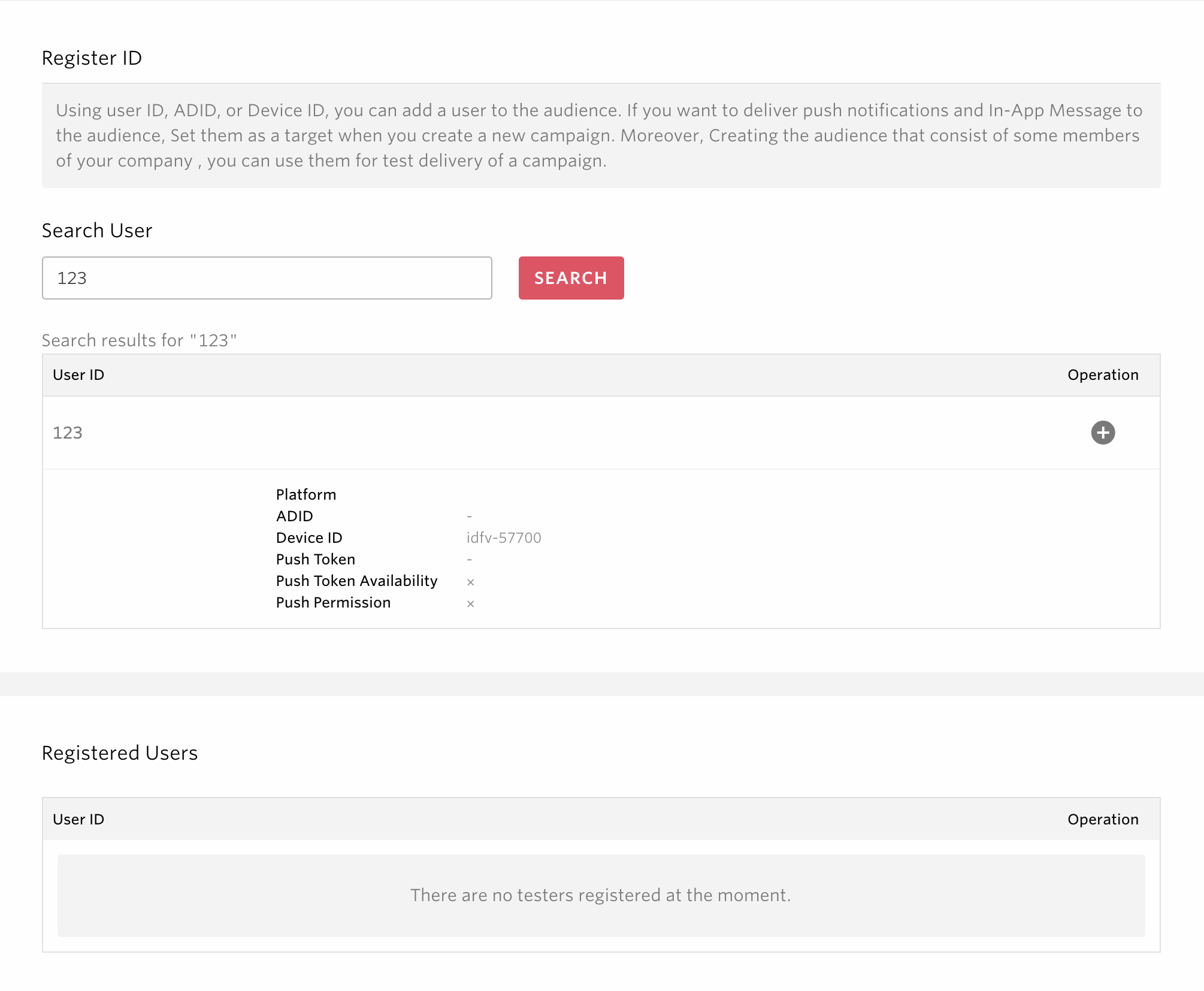
In the side menu, go to [MARKETING] > [AUDIENCE], select [CREATE NEW], choose [Specified ID], and search for the user ID you set.

If the User ID was correctly set, you will be able to add the relevant device to the audience, as seen below.